
For Beginners] Thorough Explanation of Major Adobe Photo Plan Applications|Advantages and Disadvantages
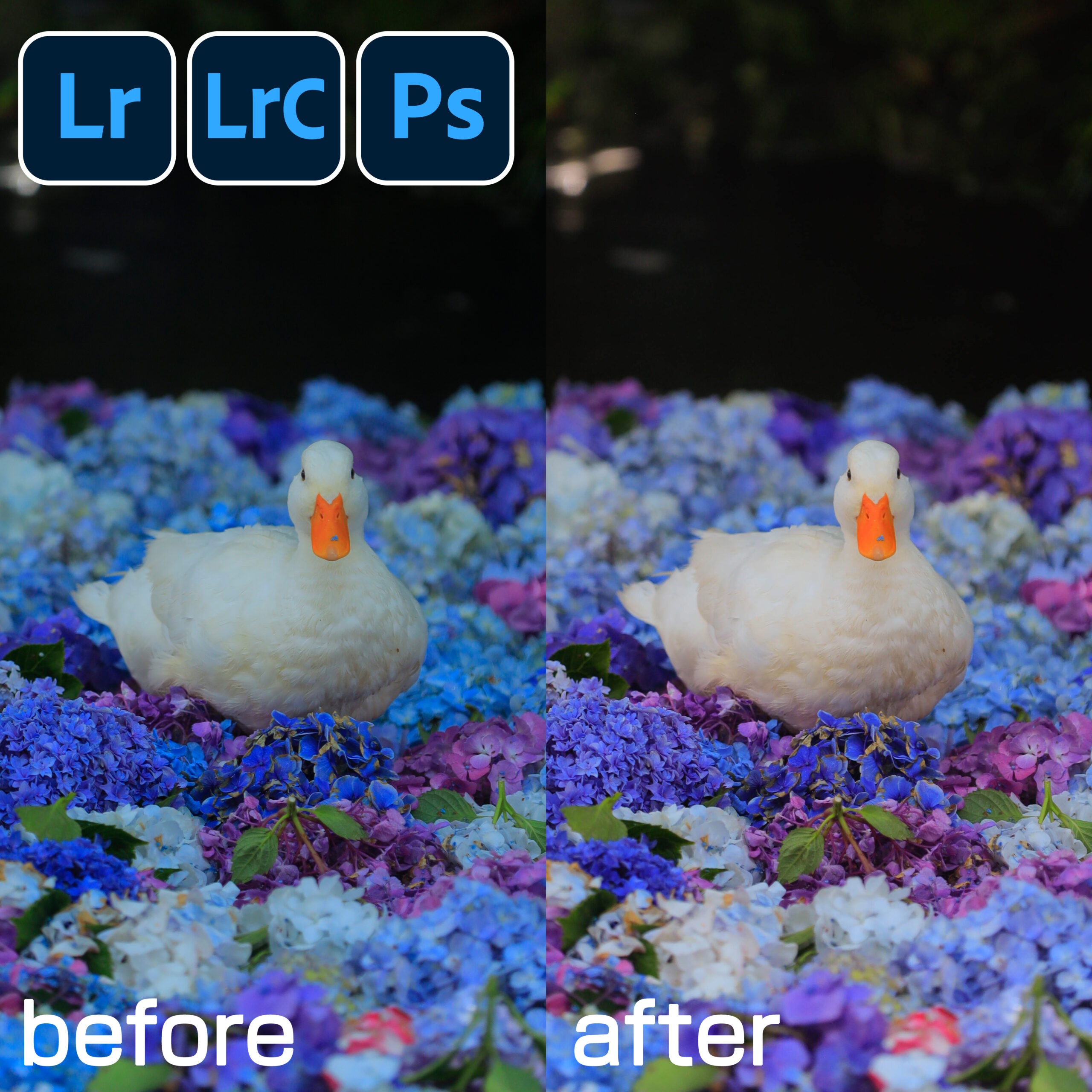

When it comes to photo editing, "Adobe" is the name. If you're into photography, you've probably heard of it at least once.
However, even if you know the names of programs like Lightroom and Photoshop, many people probably wonder, "What can they do?" and "Which one should I use?"
Actually, Adobe's Photo Plan By signing up, you get a full suite of professional-grade photo editing tools used by pros, and even beginners can start using them right away.
Here, we've clearly introduced the representative apps and services included in the Photo Plan for beginners, and also outlined the pros and cons of each.
📸 Lightroom Classic
Features
Lightroom Classic is software that lets you store photos on your PC and perform "professional-grade photo management and editing." It's especially indispensable for those who handle large volumes of RAW images captured with DSLR or mirrorless cameras.
Benefits
- You can manage large volumes of photos with "catalog management," enabling smooth organization of tens of thousands of photos.
- You can work offline, so saving files to an external HDD or PC provides peace of mind.
- Allows for detailed adjustments to color and brightness, enabling magazine and advertising-level photo finishing.
Disadvantages
- Tends to strain your computer's storage capacity (may require an external HDD)
- The interface is somewhat complex, and beginners may take some time to get used to it.
- Since it cannot be operated directly on mobile phones or tablets, it is not suitable for those who wish to edit while on the go.
👉 Recommended forPhotography enthusiasts who want to polish their photos into "works of art" and shoot large volumes of images
【Check out the Photo Plan on the Adobe official website】
☁ Lightroom (Cloud Edition)
Features
Lightroom (Cloud Edition) is appealing because it uses cloud storage to let you "access the same photos from any device." Its ease of use on smartphones and tablets makes it especially popular with the social media generation.
Benefits
- Intuitive operation allows even beginners to master it quickly.
- AI automatically organizes and searches your photos, making management a breeze.
- Edit directly from your smartphone right after shooting → Post instantly to social media
- Seamless synchronization between devices ensures peace of mind even while traveling.
Disadvantages
- Internet connection required. Offline mode has limited functionality.
- Storage capacity is limited depending on the plan (many people recommend 1TB or more).
- Compared to Lightroom Classic, it has fewer fine-tuning options.
👉 Recommended forBeginners who want to quickly upload photos to social media or blogs and easily edit them
【Check out the Photo Plan on the Adobe official website】
🎨 Photoshop
Features
Photoshop is the world's most famous image editing software. From photo retouching to design and compositing, it's truly the "king of all-purpose tools." It's indispensable in professional settings.
Benefits
- Freely edit photos with features like skin retouching, removing unwanted objects, and replacing backgrounds.
- Layer and mask functions enable complex compositing and design.
- Because it's used worldwide, there are plenty of tutorials and learning materials available, making it easy to learn.
Disadvantages
- Too many features make it a steep learning curve for beginners at first.
- Performance may be sluggish at times, and a high-performance PC is recommended for optimal comfort.
- It takes time to get used to, so it's not suitable for people who want to "edit quickly and easily."
👉 Recommended forPeople who want to challenge themselves not only in photography but also in design and compositing
【Check out the Photo Plan on the Adobe official website】
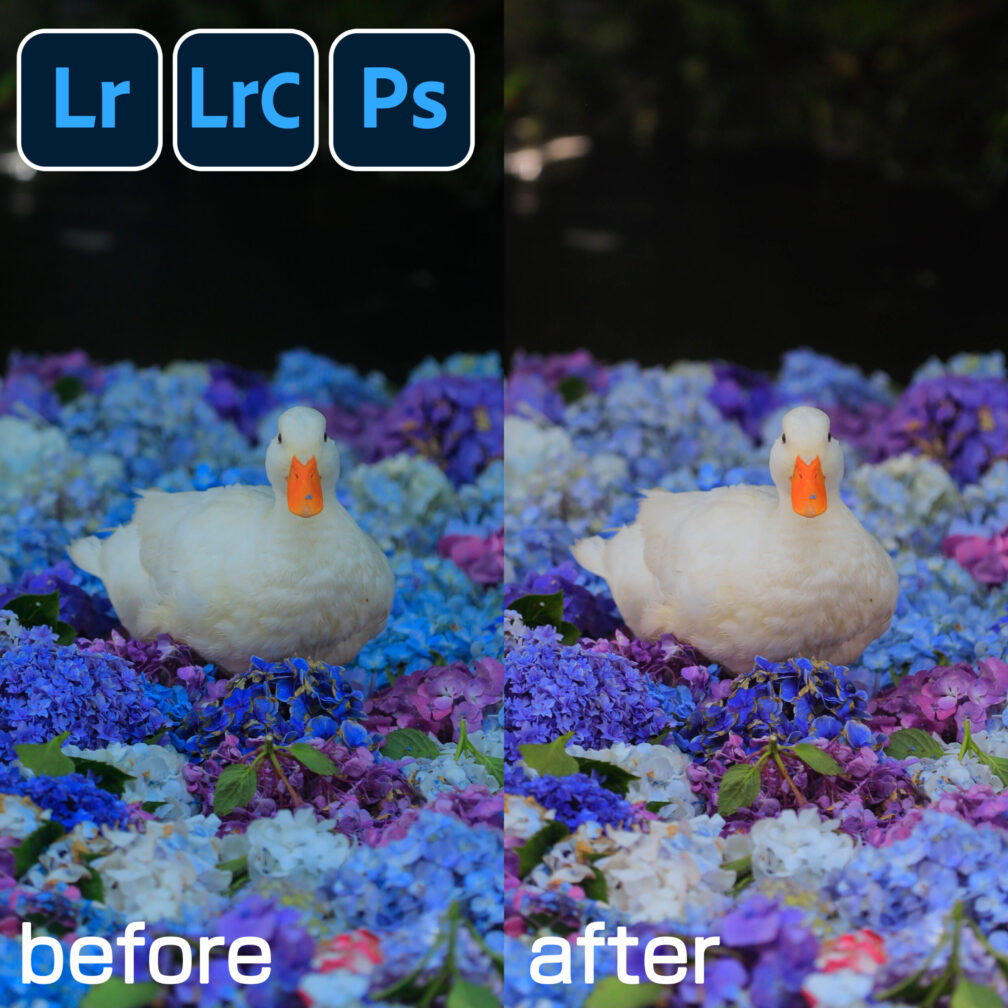
※In Photoshop, you can add text or other images as shown in the image below. It's perfect for creating banners.
☁ Cloud Storage (1TB)
Features
Adobe's Photo Plan includes 1TB of cloud storage, allowing you to save photos and videos online for access from anywhere. This ensures your important data is safely stored even if your PC breaks down. It automatically syncs between your PC and smartphone for a smooth workflow, easily accommodates large amounts of RAW data, and simplifies sharing with family or teams. However, you cannot access it without an internet connection, and exceeding the storage limit incurs additional fees.For those who don't use the cloud, it can feel expensive.
👉 Recommended forPeople who take lots of photos, people who want to make sure they back up their photos
【Check out the Photo Plan on the Adobe official website】
Summary: Why is the Photo Plan recommended?
As introduced so far Lightroom Classic / Lightroom (Cloud Edition) / Photoshop / 1TB storage Everything is included in Adobe's Photo Plan is.
- People who want to edit on both PC and smartphone
- People who want to properly manage and develop their photos
- People who want to try creating artwork and designs in Photoshop
- People who want to safely store photos for the long term
This is an outstanding value plan that meets all these diverse needs in one package.
It gives beginners the reassurance that "starting here is perfectly fine," further expanding the joy of photography.
👉 If you're thinking, "I want to start editing photos, but I don't know what to choose," you can't go wrong by starting with a photo plan!